Network Box: A Comprehensive Guide to Secure Network Infrastructure
In today’s digitally connected world, businesses rely heavily on secure and efficient network infrastructure to support daily operations. One essential component that helps organizations manage, protect, and optimize their networks is the network box. Whether used in small offices or large enterprises, a network box serves as a centralized solution for networking, security, and connectivity needs. This article explores what a network box is, how it works, its benefits, key features, use cases, and best practices for deployment.
What Is a Network Box?
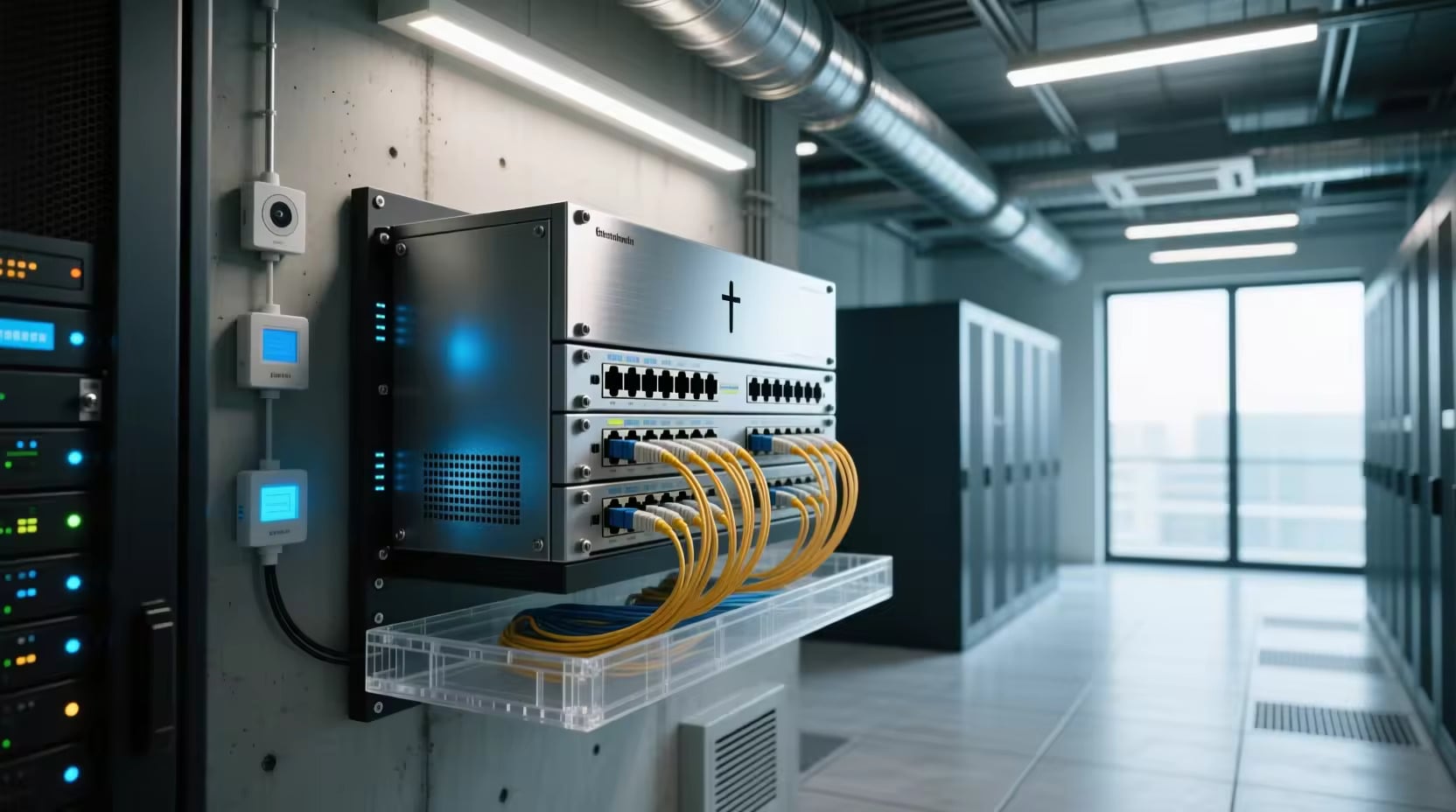
A network box is a hardware appliance or integrated networking device designed to manage, secure, and optimize network traffic. Depending on its purpose, a network box may combine multiple networking functions such as:
- Firewall protection
- Router capabilities
- Network switching
- VPN connectivity
- Intrusion detection and prevention
- Traffic monitoring and management
- Wireless network support
Network boxes are commonly deployed at the edge of a network, acting as the gateway between internal systems and external internet connections.
How Does It Work?
A network box operates as a central control point for network communications. It receives incoming and outgoing data packets and applies predefined rules and policies before allowing traffic to pass through.
The typical workflow includes:
- Receiving network traffic from users or devices.
- Inspecting data packets for security threats.
- Applying routing and access control policies.
- Managing bandwidth and traffic priorities.
- Forwarding approved traffic to its destination.
- Logging and monitoring network activity.
By combining multiple networking functions into a single device, a network box simplifies network administration and improves overall efficiency.
Key Components of a Network Box
A modern network box often includes several integrated technologies:
- Firewall – The firewall filters incoming and outgoing traffic based on security policies, helping prevent unauthorized access and cyberattacks.
- Router – Routing functionality directs data packets between different networks and ensures efficient communication.
- Switch – Some network boxes include built-in switching capabilities that connect multiple devices within a local area network (LAN).
- VPN Gateway – VPN support allows remote employees and branch offices to securely access company resources over the internet.
- Intrusion Prevention System (IPS) – An IPS monitors traffic patterns and blocks malicious activities before they impact the network.
- Network Monitoring Tools – Real-time monitoring provides visibility into network performance, device status, and potential security incidents.
Benefits of Using a Network Box
- Enhanced Security – One of the primary advantages of a network box is improved cybersecurity. Integrated firewalls, malware detection, and intrusion prevention mechanisms help protect sensitive data and systems.
- Simplified Network Management – Instead of managing multiple standalone devices, administrators can configure and monitor networking functions through a single platform.
- Cost Efficiency – Consolidating networking and security features into one appliance reduces hardware costs, maintenance expenses, and power consumption.
- Improved Performance – Traffic optimization and bandwidth management capabilities help maintain stable network performance even during periods of high demand.
- Scalability – Many network boxes support modular upgrades and advanced configurations, allowing organizations to expand their infrastructure as business requirements grow.
Some Common Types
Small Business Network Boxes
Designed for small offices and startups, these devices typically include:
- Basic firewall protection
- Wi-Fi support
- VPN connectivity
- Simple management interfaces
Enterprise Network Boxes
Enterprise-grade solutions provide:
- Advanced threat protection
- High-performance routing
- Centralized management
- Redundant hardware components
- Multi-site connectivity
Managed Security Network Boxes
These devices are often offered as part of managed security services, where a third-party provider monitors and maintains the appliance.
Cloud-Integrated Network Boxes
Modern network boxes increasingly support cloud-based management, allowing administrators to configure and monitor networks remotely.
Use Cases of Network Boxes
- Corporate Offices – Businesses use network boxes to secure internet access, manage employee connectivity, and enforce security policies.
- Remote Workforce Support – Network boxes provide secure VPN access for employees working from home or traveling.
- Branch Office Connectivity – Organizations with multiple locations use network boxes to establish secure site-to-site communications.
- Educational Institutions – Schools and universities deploy network boxes to manage student internet access and protect network resources.
- Healthcare Facilities – Healthcare organizations rely on network boxes to secure patient data and comply with regulatory requirements.
- Retail Networks – Retail businesses use network boxes to protect payment systems, inventory databases, and customer information.
Essential Features to Look for in a Network Box
When selecting a network box, consider the following features:
Strong Security Capabilities
Look for:
- Next-generation firewall functionality
- Malware protection
- Intrusion prevention
- Content filtering
High Throughput Performance
The device should support sufficient bandwidth for current and future network demands.
VPN Support
Secure remote access capabilities are essential for modern hybrid work environments.
Centralized Management
A user-friendly management interface simplifies configuration, monitoring, and troubleshooting.
Reporting and Analytics
Detailed reports provide valuable insights into network usage, security events, and system performance.
Scalability Options
Choose a solution that can accommodate future growth without requiring a complete infrastructure overhaul.
Best Practices for Network Box Deployment
- Conduct a Network Assessment – Analyze traffic patterns, security requirements, and user needs before selecting a solution.
- Implement Security Policies – Configure firewall rules, access controls, and authentication mechanisms according to organizational requirements.
- Keep Firmware Updated – Regular updates help protect against newly discovered vulnerabilities and improve performance.
- Monitor Network Activity – Continuous monitoring allows administrators to detect suspicious behavior and resolve issues quickly.
- Use Strong Authentication – Enable multi-factor authentication (MFA) for administrative access whenever possible.
- Create Backup Configurations – Maintain backups of network box settings to ensure rapid recovery during hardware failures or configuration errors.
Challenges Associated with Network Boxes
While network boxes offer numerous advantages, organizations may face certain challenges:
- Initial deployment complexity
- Configuration errors
- Performance bottlenecks from insufficient hardware resources
- Ongoing maintenance requirements
- Integration with legacy systems
Proper planning and professional implementation can minimize these challenges.
Future Trends in Network Box Technology
The evolution of networking and cybersecurity continues to shape network box development. Emerging trends include:
- AI-powered threat detection
- Cloud-native management platforms
- Zero Trust security architectures
- Advanced automation capabilities
- Integration with Software-Defined Networking (SDN)
- Enhanced support for Internet of Things (IoT) devices
These innovations are making network boxes more intelligent, efficient, and adaptable to modern business needs.
Conclusion
A network box is a versatile networking appliance that combines security, connectivity, and management functions into a single solution. Centralizing critical networking operations, it helps organizations improve security, simplify administration, and optimize performance. Whether deployed in a small business, enterprise environment, educational institution, or healthcare facility, a well-configured network box provides the foundation for reliable and secure network communications. As networking technologies continue to evolve, network boxes will remain a vital component of modern IT infrastructure, helping businesses stay connected, protected, and prepared for future challenges.