Cloud Backup: A Complete Guide to Data Protection in the Cloud
What Is Cloud Backup?
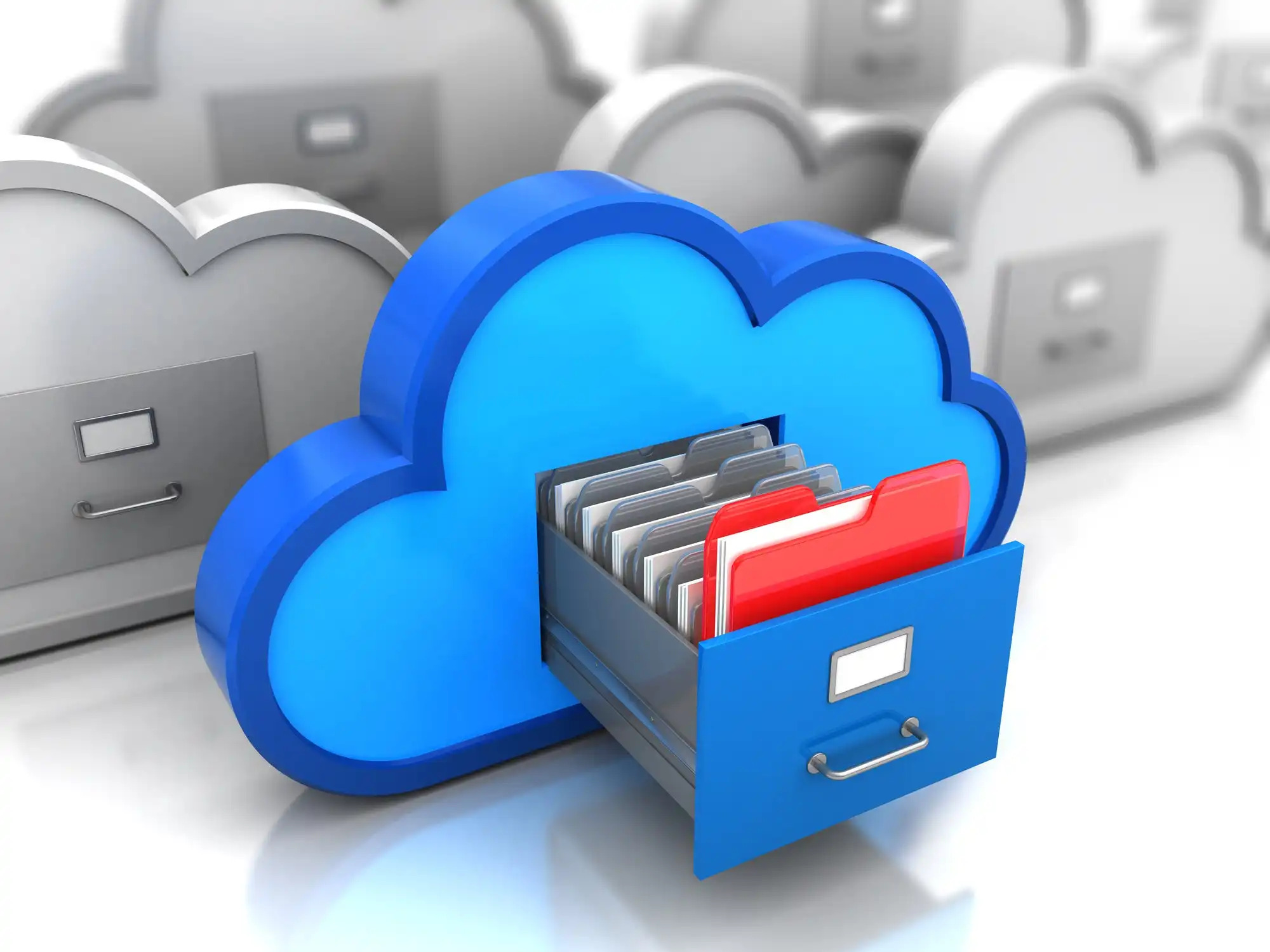
Cloud backup – also known as online backup or remote backup – is a method of storing data securely on cloud servers managed by third-party providers. Instead of relying on local hardware such as external drives or tape systems, cloud backup sends encrypted copies of files to a remote data center via the internet.
This approach ensures data is always recoverable in case of hardware failure, accidental deletion, cyberattacks, or natural disasters.
How Cloud Backup Works
Cloud backup services operate through an automated process that uploads data from your device, server, or application to secure cloud storage. Here’s how it typically works:
- Data Selection – You choose files, folders, or entire systems to back up.
- Encryption and Compression – The data is encrypted and compressed to ensure security and efficiency.
- Transfer and Storage – The encrypted data is transmitted to the cloud provider’s remote data center.
- Automatic Scheduling – Backups occur automatically based on preset intervals or real-time syncing.
- Data Recovery – In case of data loss, you can quickly restore files through a secure web interface or client application.
Key Benefits of Cloud Backup
- Enhanced Data Security – Cloud backup providers use end-to-end encryption, redundant storage, and multi-factor authentication to protect sensitive data from breaches and ransomware.
- Cost Efficiency – Unlike traditional backup systems, cloud backup eliminates the need for expensive hardware and maintenance, following a pay-as-you-go model that scales with your storage needs.
- Accessibility and Scalability – Data stored in the cloud can be accessed anytime, anywhere. As your data grows, cloud storage capacity can expand instantly without requiring new infrastructure.
- Disaster Recovery – Cloud backup ensures business continuity by allowing quick data recovery after system crashes, natural disasters, or cyber incidents.
- Automation and Reliability – Scheduled, automated backups minimize human error and ensure continuous protection without manual intervention.
Common Use Cases
- Personal Users: Protect important photos, documents, and media files.
- Businesses: Secure customer databases, virtual machines, and server configurations.
- Enterprises: Integrate cloud backup into larger disaster recovery and compliance strategies.
Best Practices for Cloud Backup
- Use encryption both in transit and at rest.
- Follow the 3-2-1 rule: Keep 3 copies of data, on 2 different media, with 1 offsite (in the cloud).
- Test your backups regularly to ensure successful restoration.
- Monitor storage usage and costs to optimize performance.
- Choose providers with data compliance certifications (ISO 27001, SOC 2, GDPR, HIPAA, etc.).
The Future of Cloud Backup
As data volumes continue to rise, cloud backup will evolve with AI-driven automation, immutable storage, and edge-to-cloud data protection. Businesses adopting hybrid and multicloud strategies will increasingly rely on cloud-based backup to maintain security and resilience in distributed environments.
Conclusion
Cloud backup is no longer optional – it’s an essential layer of modern data protection. Whether for personal use or enterprise IT, it ensures your data remains secure, accessible, and recoverable under any circumstances. By adopting a trusted cloud backup solution and following best practices, you can safeguard your digital assets against loss, downtime, and cyber threats.