Cloud Backup Automation: A Complete Guide to Secure, Scalable Data Protection
In today’s cloud-first world, data is the backbone of every organization. As workloads move to public, private, and hybrid cloud environments, manually managing backups becomes inefficient, error-prone, and risky. Cloud backup automation solves this challenge by ensuring data is backed up consistently, securely, and at scale – without human intervention. This guide explains what cloud backup automation is, how it works, its key benefits, and best practices for implementing an automated cloud backup strategy.
What Is Cloud Backup Automation?
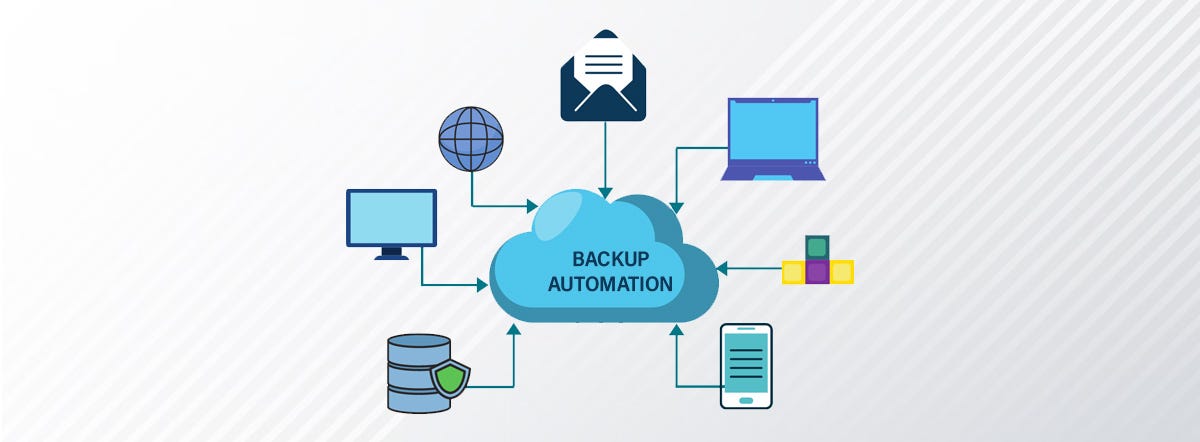
Cloud backup automation is the process of using software, policies, and orchestration tools to automatically back up data, applications, and systems in cloud environments. Instead of relying on manual scheduling or human oversight, automated backup solutions execute predefined backup tasks based on time, events, or policies.
Automated cloud backups typically cover:
- Virtual machines (VMs)
- Databases
- File systems and object storage
- SaaS applications
- Containers and Kubernetes workloads
Why Is It Important?
As cloud infrastructure grows in complexity, data loss risks increase due to human error, cyberattacks, system failures, or misconfigurations. Cloud backup automation addresses these risks by providing:
- Consistent Data Protection – Automated backups run on schedule, eliminating missed or forgotten backups.
- Faster Disaster Recovery – Preconfigured recovery workflows allow rapid restoration after outages or ransomware attacks.
- Reduced Operational Overhead – IT teams spend less time managing backups manually, freeing resources for strategic tasks.
- Improved Compliance – Automated retention policies help meet regulatory requirements such as GDPR, HIPAA, and ISO 27001.
How Cloud Backup Automation Works
A typical cloud backup automation workflow includes:
- Policy Definition – Admins define backup frequency, retention periods, encryption, and storage locations.
- Data Discovery – The system automatically identifies new workloads, volumes, or resources to protect.
- Scheduled or Event-Driven Backups – Backups run at set intervals or are triggered by events such as configuration changes.
- Secure Storage – Backup data is encrypted and stored in cloud storage or cross-region locations.
- Monitoring and Reporting – Dashboards and alerts provide visibility into backup success, failures, and compliance status.
Key Features of Cloud Backup Automation Solutions
When evaluating cloud backup automation tools, look for the following features:
- Policy-based backup management
- Incremental and snapshot-based backups
- Cross-region and cross-cloud replication
- End-to-end encryption
- Automated recovery and testing
- Role-based access control (RBAC)
- Detailed audit logs and compliance reports
Cloud Backup Automation vs Traditional Backup
| Feature | Traditional Backup | Cloud Backup Automation |
|---|---|---|
| Backup Scheduling | Manual | Fully automated |
| Scalability | Limited | Highly scalable |
| Human Error Risk | High | Minimal |
| Recovery Speed | Slow | Fast |
| Compliance Support | Manual | Policy-driven |
Best Practices for Cloud Backup Automation
- Define Clear Backup Policies – Align backup frequency and retention with business objectives and recovery point objectives (RPO).
- Use the 3-2-1 Backup Rule – Keep three copies of data, on two different media, with one copy off-site or in another region.
- Automate Backup Testing – Regularly test restores to ensure backup integrity and disaster readiness.
- Encrypt Backup Data – Use encryption both in transit and at rest to protect sensitive information.
- Monitor and Optimize – Continuously monitor backup performance and optimize storage costs.
Common Use Cases
- Disaster recovery planning
- Ransomware protection
- Hybrid and multi-cloud data protection
- DevOps and CI/CD environment backups
- SaaS application data protection
Challenges in Cloud Backup Automation
Despite its benefits, organizations may face challenges such as:
- Managing backup costs at scale
- Ensuring application-consistent backups
- Integrating legacy systems
- Meeting strict compliance requirements
Choosing the right automation tools and defining clear policies can help overcome these challenges.
The Future of Cloud Backup Automation
Cloud backup automation is evolving with AI-driven optimization, predictive failure detection, and deeper integration with cloud-native platforms. As organizations adopt zero-trust and cloud-native security models, automated backups will play a critical role in cyber resilience and business continuity.
Conclusion
Cloud backup automation is no longer optional – it is a foundational component of modern cloud infrastructure. By automating backup processes, organizations can reduce risk, improve recovery times, ensure compliance, and scale data protection effortlessly. Investing in cloud backup automation today prepares businesses for tomorrow’s challenges in security, compliance, and operational resilience.